1
Choose your window
Set when you want protection to begin and when your morning starts.
A protected boundary for intentional time
NyToSleep locks the apps you choose during your sleep window—automatically, even when the app is closed. Less late-night scrolling. More room for tomorrow.
Free public beta · iPhone only · Distributed through Apple TestFlight
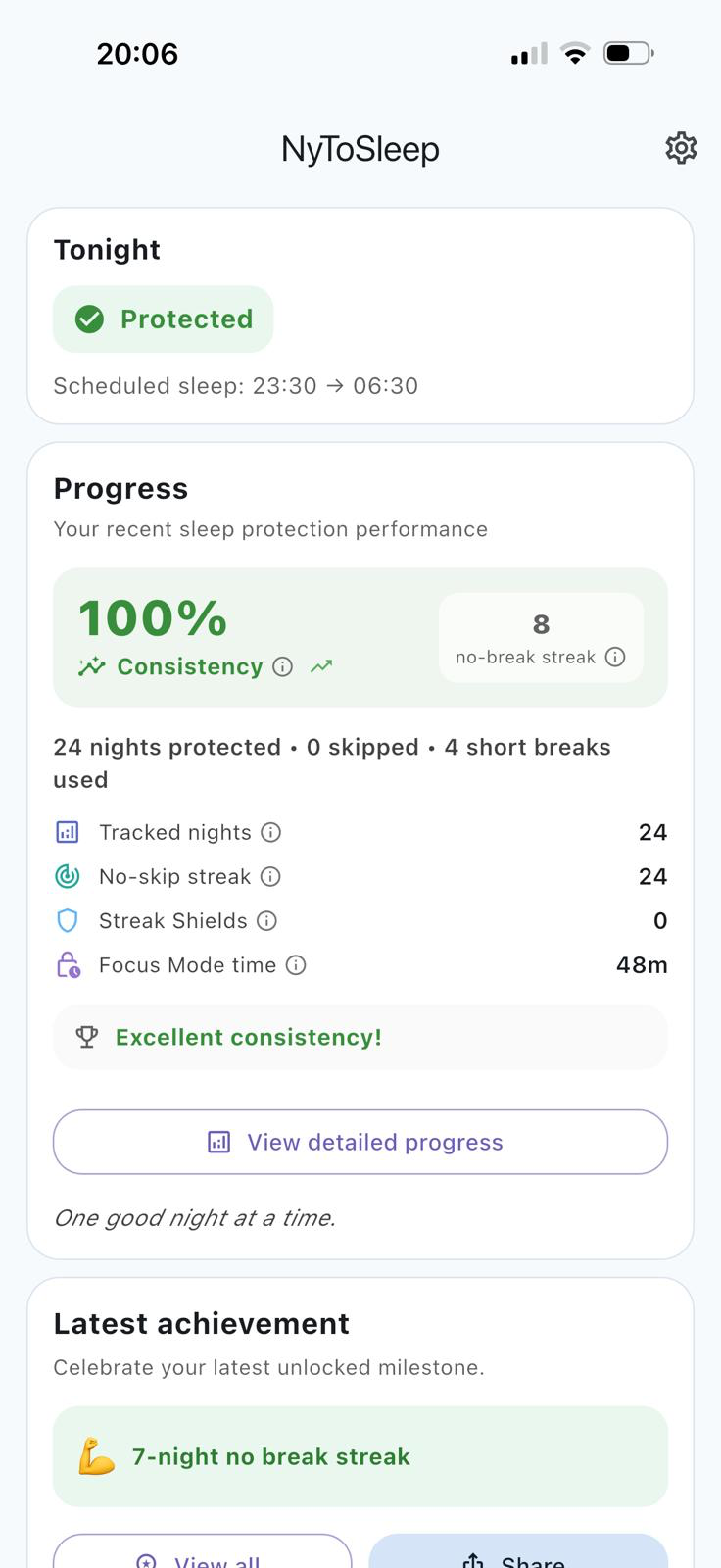
A quiet system that works for you
NyToSleep turns a good intention into a reliable boundary—without asking you to make the same decision every night.
Set when you want protection to begin and when your morning starts.
Select the apps that pull you away from rest. Your choices stay on that iPhone.
Protection starts and ends automatically—even when NyToSleep is closed.
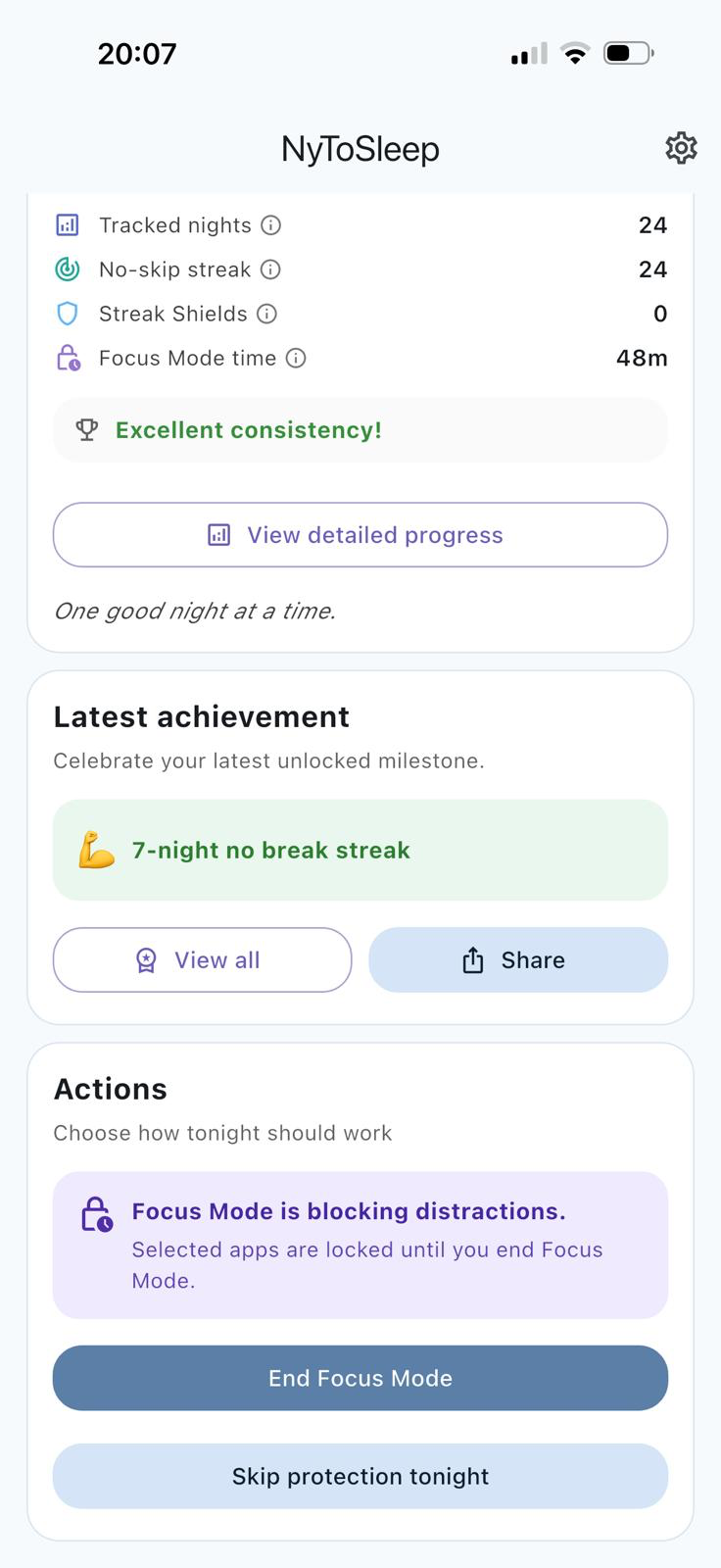
Not only for bedtime
Starting a call? Walking into a meeting? Sitting down for deep work? Turn on Focus Mode and keep your selected apps out of reach until you decide the moment is over.
It is the intentional, on-demand companion to your automatic Sleep Window—one simple boundary for the moments that deserve your full presence.
Progress you can actually feel
NyToSleep turns each completed sleep window into a clear, encouraging record—without turning rest into another productivity contest.
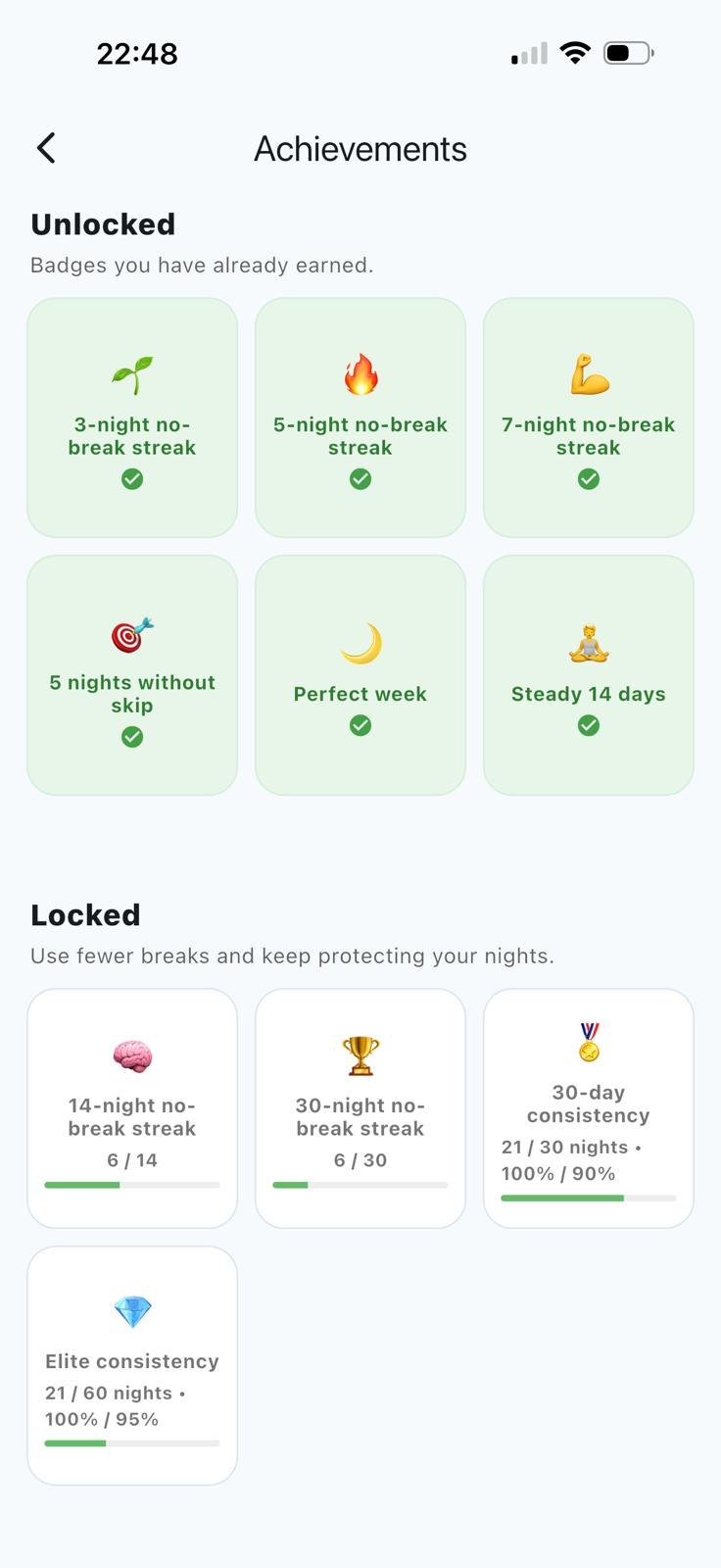
Firm when it matters, flexible when life happens
Take one intentional five-minute break during your sleep window, then let protection return automatically.
See protected nights, consistency, streaks and shields without turning rest into another source of pressure.
Pause scheduled protection across a date range without damaging the progress you have built.
Your progress follows your account. Each iPhone keeps its own private selection of protected apps.
One account, personal protection
Use NyToSleep on more than one iPhone and keep a single view of your progress, schedule, streaks and achievements.
Each device protects its own selection of apps. What you choose on one iPhone is not copied to another—and your protected-app list is never uploaded to NyToSleep.
 12protected nights
Privacy by architecture
Your protected-app selection is handled by Apple’s Screen Time frameworks and remains on each device.
“The goal is not more willpower. It is fewer decisions when you are tired.”
NyToSleep creates the boundary. You get to keep the morning.
Questions, answered
Yes. After your schedule and protected apps are configured, iOS enforces the sleep window even when NyToSleep is not open.
Yes. Your progress and schedule follow your account, while each iPhone keeps its own protected-app selection.
No. Apple provides an opaque, device-local selection. NyToSleep does not upload your protected-app list to its backend.
No. NyToSleep Focus Mode temporarily locks your selected apps on demand. It does not promise to silence notifications; use Apple Focus settings when you also want notification controls.
No. NyToSleep is a digital wellbeing tool that helps you create intentional boundaries around app access.
Practical guides
Clear, practical explanations for reducing late-night scrolling without turning bedtime into another productivity contest.
A practical routine for making the decision before you are already tired.
Read the guide → iPhone guideUnderstand scheduled boundaries, Screen Time permissions and what happens overnight.
Read the guide → ComparisonWhere the built-in tools end and a purpose-built nighttime workflow begins.
Read the guide →NyToSleep Public Beta
NyToSleep Public Beta is available only on iPhone through Apple TestFlight.
On your iPhone
Questions or feedback? support@nytosleep.com